• Hey Guest. Check out your NeoGAF Wrapped 2025 results here!

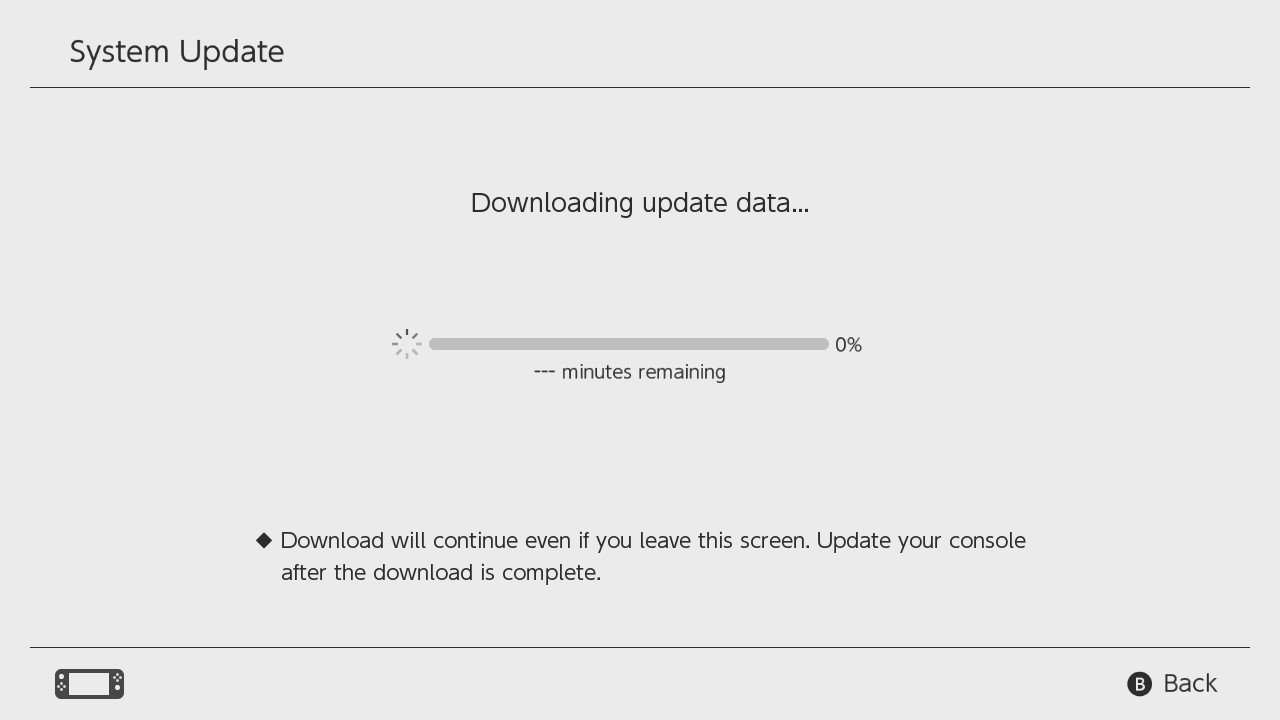
Nintendo Switch: new Firmware update available (Ver. 3.0.1)

L~A

Member
New update for the Switch is there, and... yeah, it's just a 0.1, so nothing exciting, I assume. Expect the usual, so...

General system stability improvements to enhance the user's experience

Patch notes will be available there > http://en-americas-support.nintendo.com/app/answers/detail/a_id/22525/p/897

Update:

Addressed an issue in which the remaining battery charge can't be displayed accurately

If the system's battery power display suddenly increases or decreases, it will gradually improve by following these steps.

Ensure the console has the latest system update. The steps below apply to system menu version 3.0.1 or higher.
Set the Auto-Sleep mode to "Never" for "Playing on Console Screen" and for "Connected to TV."
Connect the AC adapter directly to the console until the battery is fully charged.
If the battery charge indicator does not reach 100%, simply allow the console to charge for approximately three hours.
Once the battery is fully charged, leave the console alone for one hour with the AC adapter still connected to it.
Afterward, disconnect the AC adapter and allow the console to display the HOME Menu for approximately three to four hours.
The remaining battery life must be depleted as much as possible.
Once the battery charge is almost depleted, power off the console by holding down the POWER Button for three seconds, then select "Power Options" > "Turn Off." Leave the console alone for at least 30 minutes.
Repeat steps 2 - 6 several times.
The battery charge indicator will improve gradually by repeating this process several times.
 
1916cdka1ck6ogif.gif
 
My most wanted features are:
- a redesigned eshop that makes it a bit easier to find older stuff
- folders, or a slightly easier to look at menu when you have lots of stuff
- video clip recording and uploading
 
Looks like I spoke too soon. Update does fix something:

Addressed an issue in which the remaining battery charge can't be displayed accurately

If the system's battery power display suddenly increases or decreases, it will gradually improve by following these steps.

Ensure the console has the latest system update. The steps below apply to system menu version 3.0.1 or higher.
Set the Auto-Sleep mode to "Never" for "Playing on Console Screen" and for "Connected to TV."
Connect the AC adapter directly to the console until the battery is fully charged.
If the battery charge indicator does not reach 100%, simply allow the console to charge for approximately three hours.
Once the battery is fully charged, leave the console alone for one hour with the AC adapter still connected to it.
Afterward, disconnect the AC adapter and allow the console to display the HOME Menu for approximately three to four hours.
The remaining battery life must be depleted as much as possible.
Once the battery charge is almost depleted, power off the console by holding down the POWER Button for three seconds, then select "Power Options" > "Turn Off." Leave the console alone for at least 30 minutes.
Repeat steps 2 - 6 several times.
The battery charge indicator will improve gradually by repeating this process several times.
 
Seem important at least it does something:

Addressed an issue in which the remaining battery charge can't be displayed accurately
If the system's battery power display suddenly increases or decreases, it will gradually improve by following these steps.
 
Ensure the console has the latest system update. The steps below apply to system menu version 3.0.1 or higher.
Set the Auto-Sleep mode to "Never" for "Playing on Console Screen" and for "Connected to TV."
Connect the AC adapter directly to the console until the battery is fully charged.
If the battery charge indicator does not reach 100%, simply allow the console to charge for approximately three hours.
Once the battery is fully charged, leave the console alone for one hour with the AC adapter still connected to it.
Afterward, disconnect the AC adapter and allow the console to display the HOME Menu for approximately three to four hours.
The remaining battery life must be depleted as much as possible.
Once the battery charge is almost depleted, power off the console by holding down the POWER Button for three seconds, then select "Power Options" > "Turn Off." Leave the console alone for at least 30 minutes.
Repeat steps 2 - 6 several times.
The battery charge indicator will improve gradually by repeating this process several times.


Wait... You have to do this multi-hour long process 2-6 times???
 
Lol, don't expect themes for at least a year or two. It took like 3 years for the 3ds, and the wiiu never got them.
 
That battery fixing procedure is insane. 2-6 iterations of a procedure that takes almost 10 hours to complete? Crazy.
 
I see the mistake I made in the wording but hot damn. That's a long ass, tedious fix for something I figured would be fairly easy to solve.
 
Why are people shocked? That's exactly what is recommended on any Lithium Ion powered device. Charge it all the way up to full and keep it charged then deplete, shut down, charge to full and repeat a few times. Essentially imprints the battery maximum and minimum.
 
Why are people shocked? That's exactly what is recommended on any Lithium Ion powered device. Charge it all the way up to full and keep it charged then deplete, shut down, charge to full and repeat a few times. Essentially imprints the battery maximum and minimum.

Seriously. I thought most of us had laptops.
 
Top Bottom